Testing an Activity
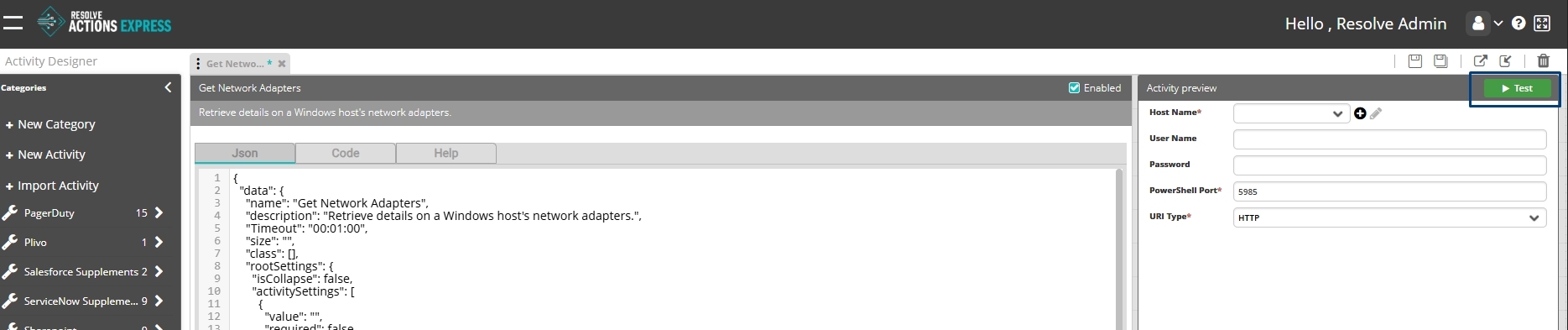
Once activity settings that define the values and parameters of the activity have been added, you can test the validity of the activity in the right panel.
The Test button tests the activity independently, without running the other activities in the workflow.
note
Make sure the activity is saved before using the Test feature so you are using the most recent changes.
Execution Log
When you run a test, an Activity Test Result log appears at the bottom of the activity. The log displays a single-line response in two columns: Status and Result.
You can expand the results into a modal view if the arrow icons are visible.